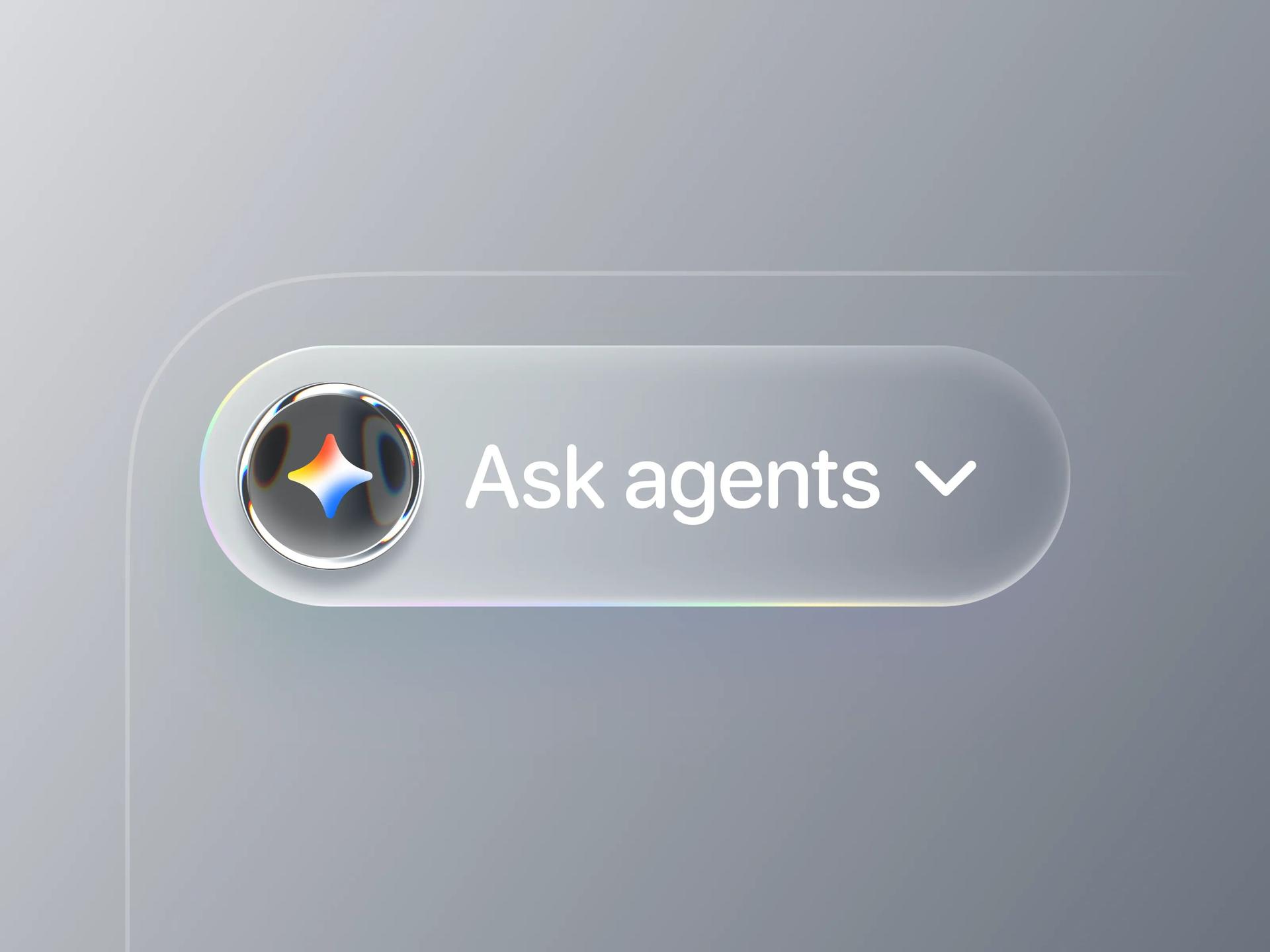
This is how I make a Liquid Glass button with @Framer 's AI Agent
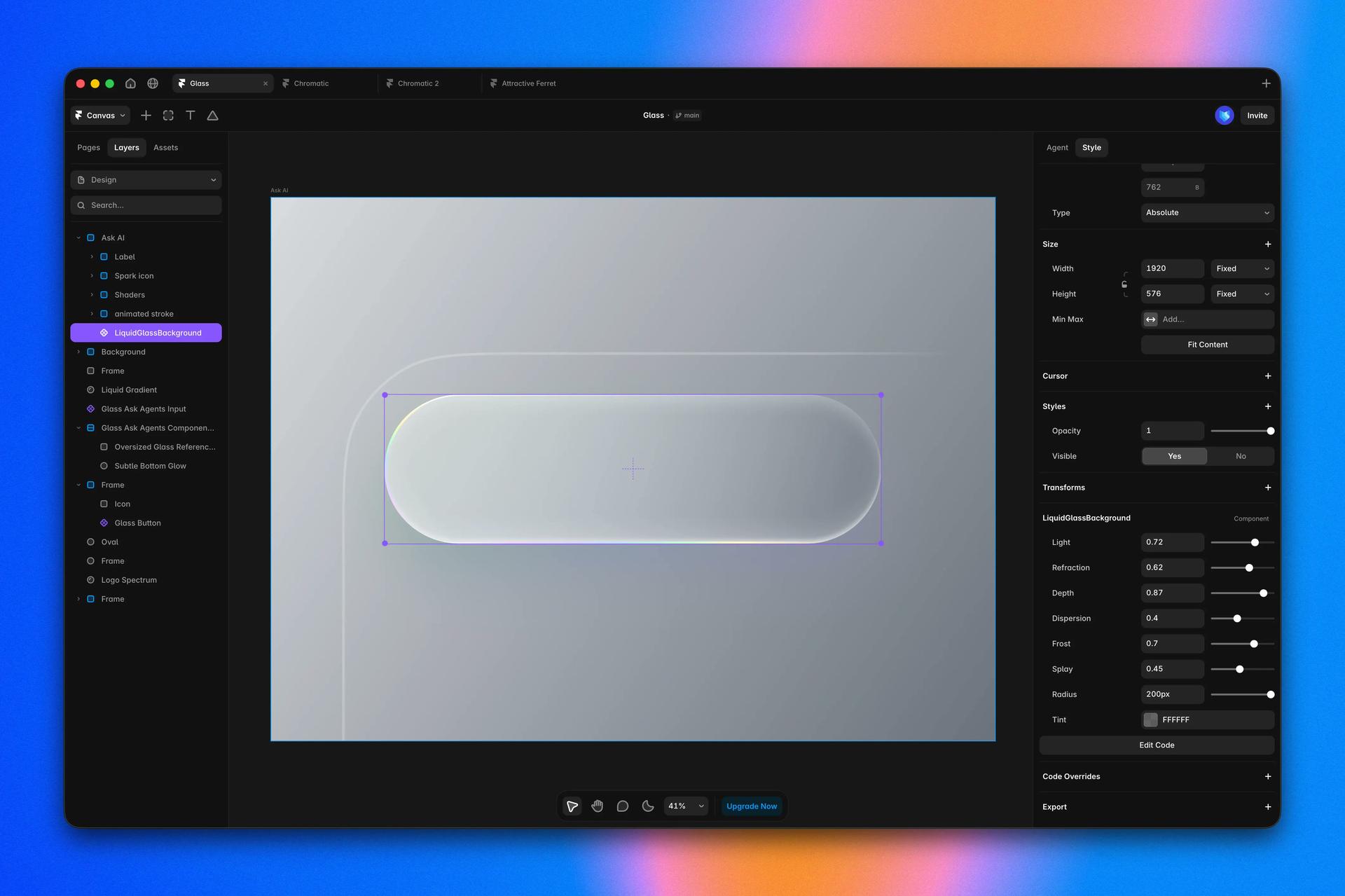
Liquid Glass background
Prompt (Fable 5):
Create a Liquid Glass background (code file) in Apple's Liquid Glass style. Key effect: when placed over content, the glass must refract and warp the background behind it like looking through a water droplet, the background bends, magnifies, and shifts color at the edges (strongest distortion near the borders, subtle in the center). Not just blur. Use an SVG displacement filter (feTurbulence + feDisplacementMap) on the backdrop, plus edge chromatic dispersion (RGB split) for the rainbow fringe. Adjustable settings: Light, Refraction (distortion strength), Depth, Dispersion (chromatic edge), Frost (blur amount), Splay (edge falloff).
Chromatic Metal shader
Prompt (Fable 5):
Create a Chromatic Metal shader as a Framer code component using a WebGL / GLSL fragment shader. Masked into a circle. Look: brushed-chrome with sharp alternating white/black bands flowing like liquid metal, plus chromatic aberration (RGB split) that separates red/blue/cyan/yellow fringes along band edges. Rendering: size the canvas from the measured element (ResizeObserver × devicePixelRatio, never 0x0), run a continuous requestAnimationFrame loop that draws regardless of RenderTarget, and draw one frame on mount so it never blanks. Log gl.getShaderInfoLog on compile failure. Shader: build a color ramp from the Gradient array and sample it with a repeating coordinate (Scale, Repeats, Angle, Stretch) to make the bands, keeping transitions sharp so it reads as chrome. For RGB Split, sample the ramp 3 times at offset coordinates, one per R/G/B channel. Important: never index a uniform array with a variable index (WebGL 1 forbids it), loop over stops with a constant index and accumulate weights. Animate a seamless loop with Offset, Phase, Evolution using periodic time functions. Controls: Rounding, Depth, Roughness, RGB Split, Scale, Stretch, Angle, Gradient, Repeats, Offset, Phase, Evolution.