
Liquid Glass DesignDesign7 min read
Liquid Glass prompt guide: get AI to render refraction
How to write a Liquid Glass prompt for AI image models: words that get refraction instead of frosted blur, a six-part UI structure and fixes for failures.
On this page
A Liquid Glass prompt needs two things most glass prompts leave out: something visible behind the glass, and words that describe light bending at the edges (refraction, a bright specular rim, a slight color split). Without those, image models fall back to glassmorphism, a frosted, blurred panel that looks like 2021.
Liquid Glass prompt examples from the library
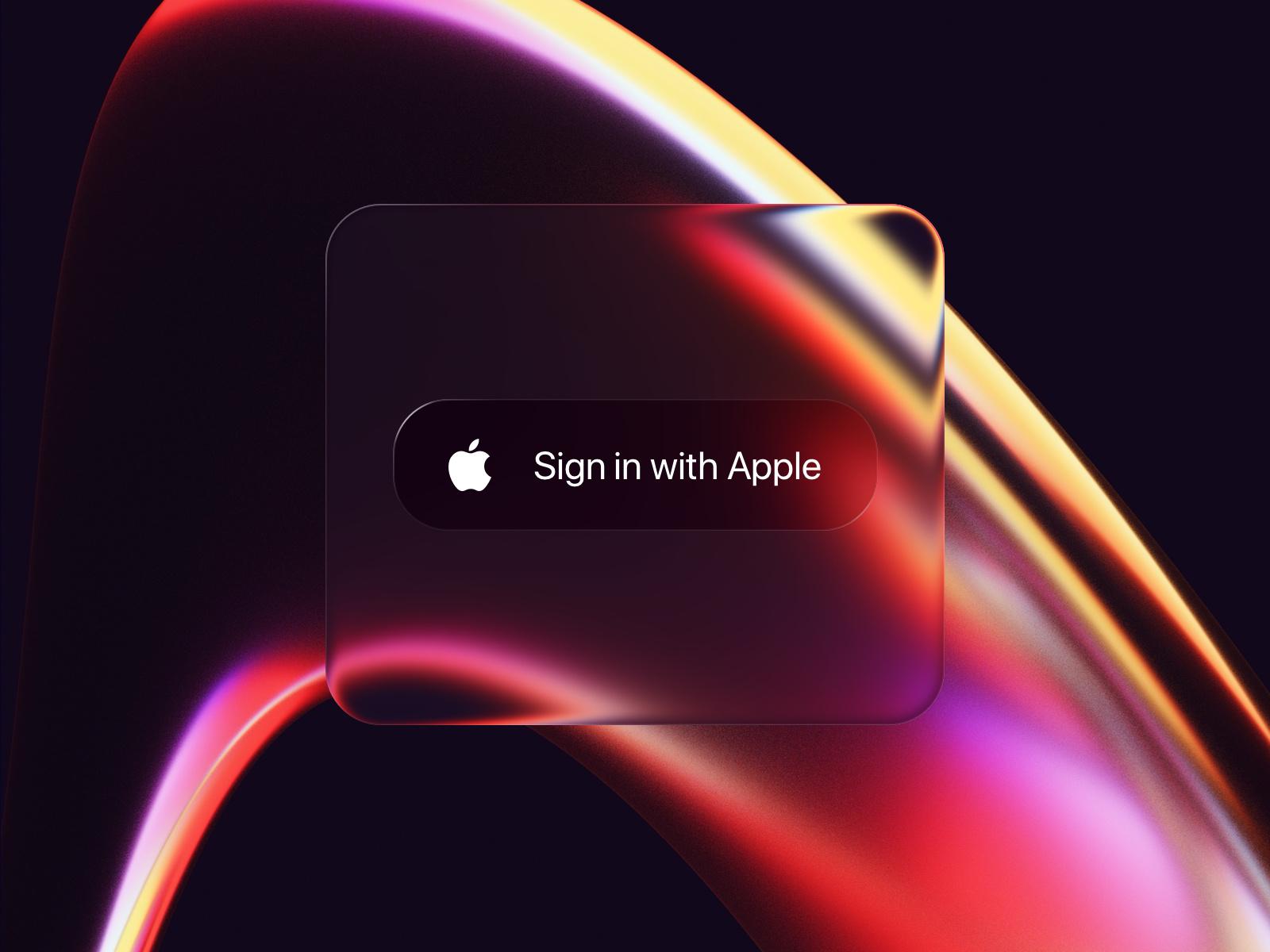
Every item in the gallery has a copy-ready style prompt, and all 191 are collected on the prompts page. Each has three lines: the prompt, a Negative line and a Parameters line. Here's the one for Liquid Glass Button by Mike Deraco:
mobile app UI, liquid glass aesthetic, frosted glass button with glossy highlights, vibrant neon colour palette featuring deep purples and warm oranges, smooth gradients and soft edges, modern and sleek composition, immersive and inviting mood, high-quality rendering with subtle reflections and depth Negative: low contrast, harsh shadows, flat design, cluttered layout, dull colors, pixelation, watermark, excessive text Parameters: --ar 1:1 --style raw --stylize 250
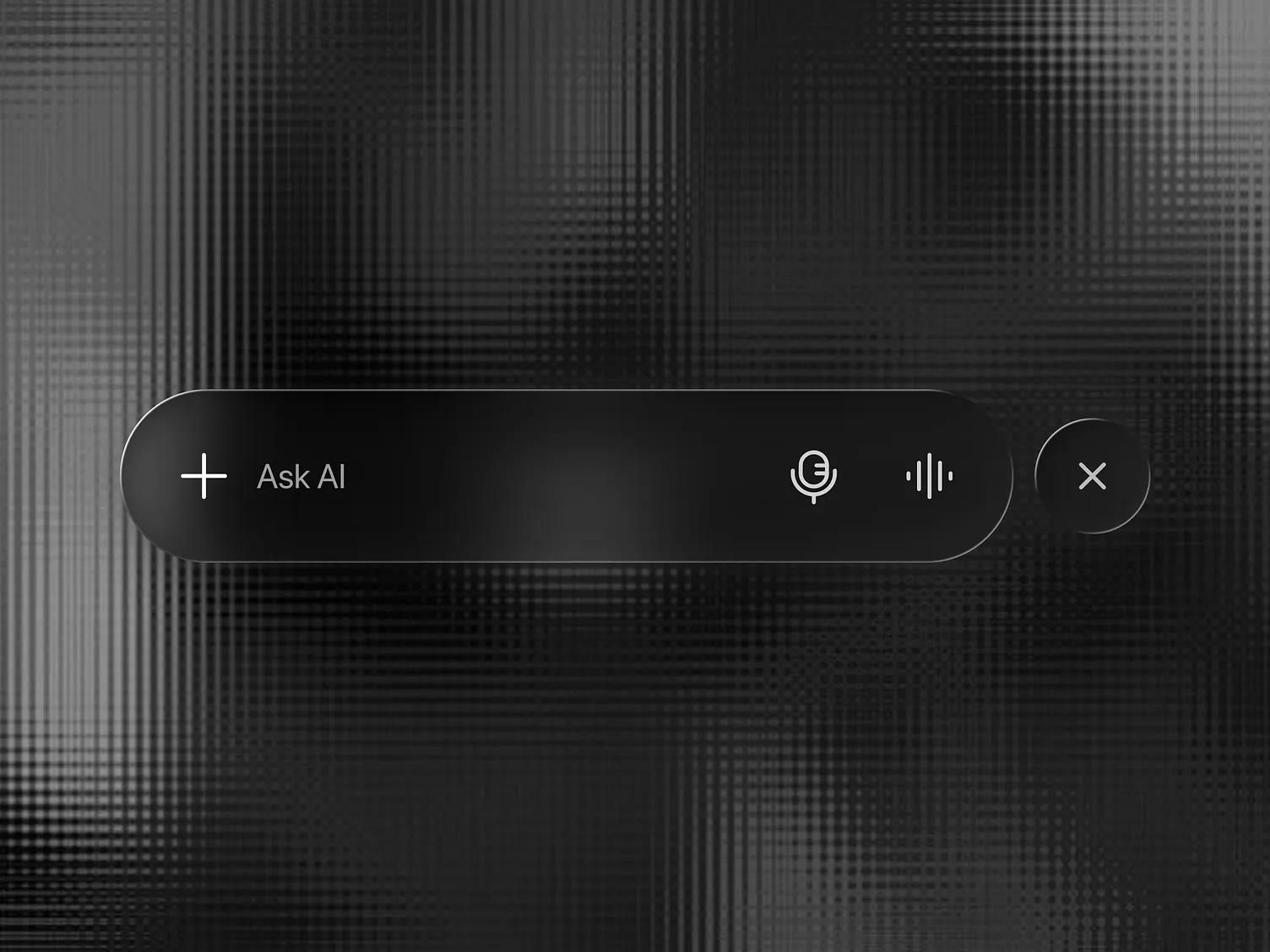
And for Liquid Glass Tab Bar UI by Shamnad:
sleek mobile app tab bar UI, liquid glass aesthetic with frosted and glossy finishes, soft ambient lighting, monochromatic color palette with shades of black and gray, minimalistic composition emphasizing depth and transparency, modern and sophisticated mood, high-quality rendering technique
These prompts are written to match a reference's look: its palette, mood, composition and finish. They're a good starting point when you want "something like this shot". They're weaker at the material itself. Across all 191 prompts in the library, 151 use the word "frosted" and 104 use "glassmorphism", while none mention refraction, caustics or dispersion. That's an accurate description of most of the reference images, and it's also why pasting one into a model gives you blur. To push toward Apple's material, keep the palette and mood from the library prompt and replace the material words with the ones below.
The Negative line goes into a negative prompt field where your tool has one, or after --no in Midjourney. In chat-style tools such as ChatGPT or Gemini, write it as a sentence ("avoid harsh shadows and cluttered layouts").
Vocabulary: refraction versus blur
Ask most image models for "glass UI" and you get glassmorphism: a translucent white card with a blur, the look that filled Dribbble from 2020 on. These terms move the output toward lens-like glass. Use two or three, not all of them.
- Refraction. The core word. Pair it with what is refracted: "the photo behind the button is refracted and magnified near its edges."
- Lensing or magnification at the edges. Liquid Glass distorts most strongly at the rim and stays fairly clear in the middle. Saying so stops the model from warping the whole panel.
- Specular rim or specular highlight. A thin, bright highlight along the edge facing the light. This is the cue that the surface is curved.
- Chromatic dispersion or a subtle RGB split at the edges. A faint color fringe where light bends. Qualify it with "subtle" or "only at the edges", or it tends to turn into rainbow outlines.
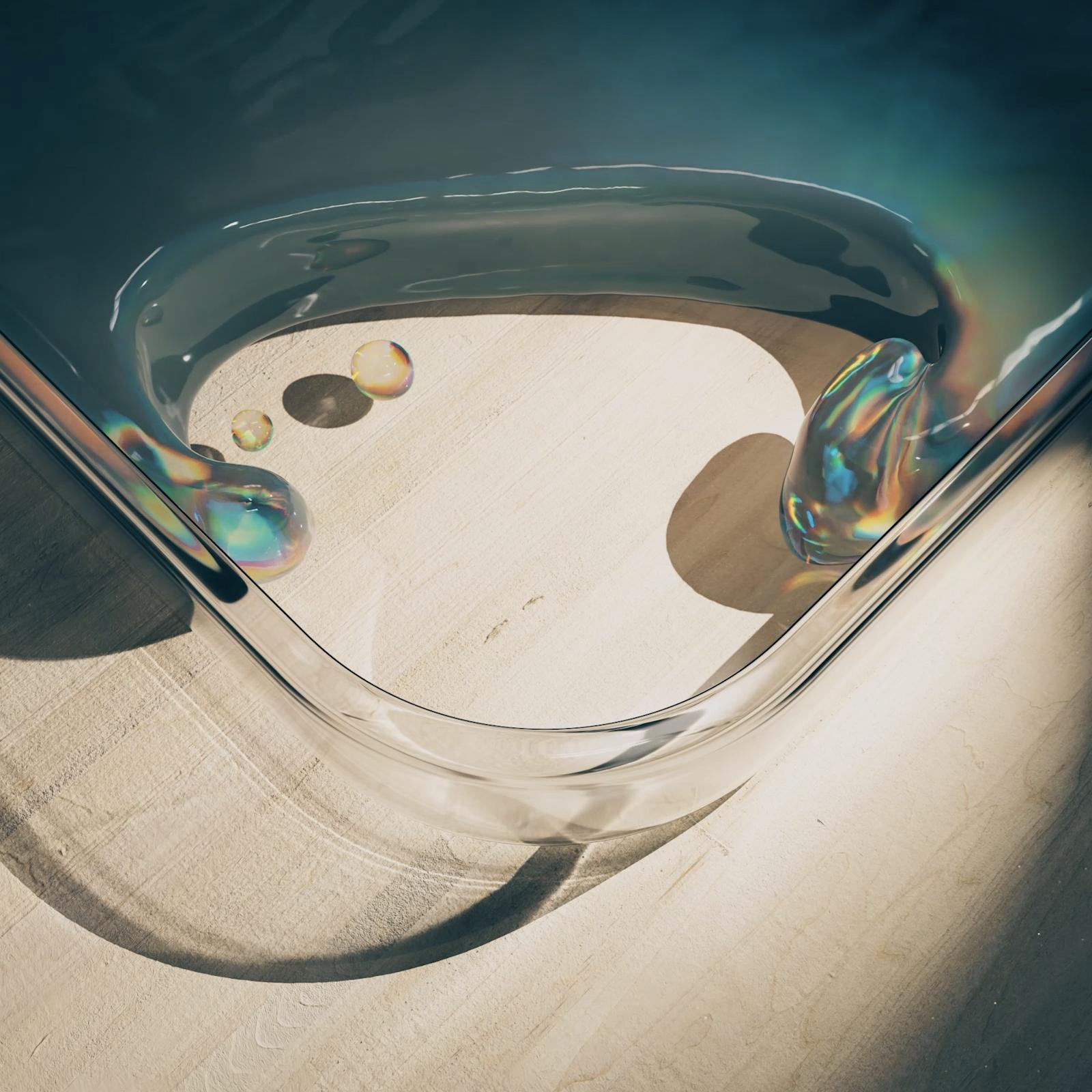
- Caustics. Concentrated light patterns cast by glass or liquid. Useful for hero art and 3D scenes, too much for a UI screenshot.
- Backdrop content. Name what's behind the glass: "a colorful album cover", "a city photo", "a list of messages scrolling underneath". This matters more than any material word.
- Clear, thin, low-tint. Counters the model's habit of making glass thick and milky.
Words that pull toward blur: frosted, glassmorphism, blurred background, translucent card, matte glass. Keep them if blur is what you want.
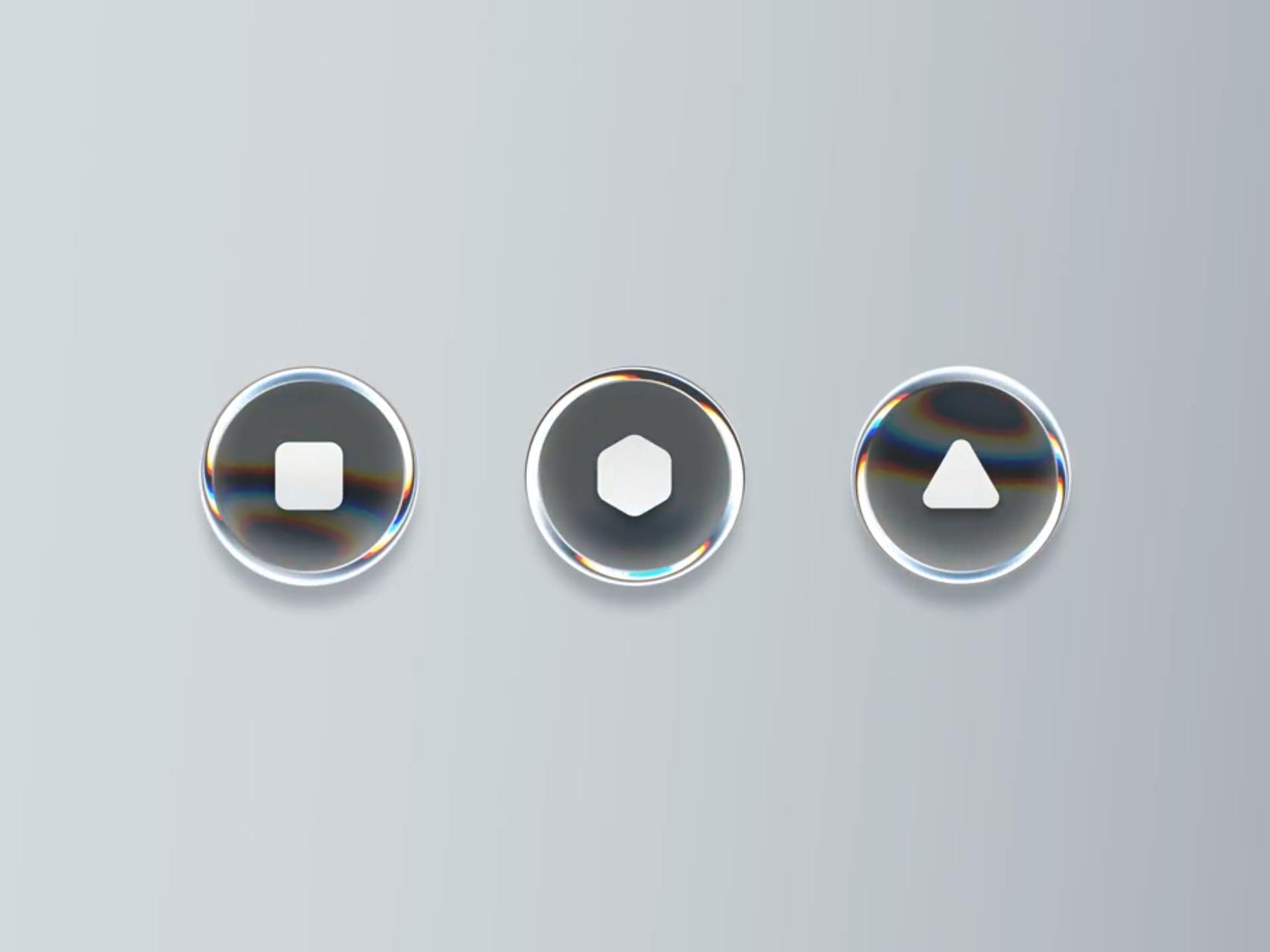
Two gallery pieces show what the dispersion and caustics terms look like. Shader Glass Buttons by Tran Mau Tri Tam is a motion study of depth, RGB split and offset on circular glass buttons.
Caustics in (slo-)motion by Jeff Falcon shows what caustics means: light concentrated through a liquid onto the surface below.
A six-part structure for Liquid Glass UI prompts
Order matters less than coverage. A prompt that covers these six parts is usually enough.
- Subject. What the screen or component is: "an iOS music player screen", "a floating tab bar with four icons".
- Layout. Where things sit and how many there are: "album art fills the top two thirds, a glass control bar floats at the bottom with play, skip and a progress scrubber."
- Material. The glass, from the vocabulary above, and which elements get it: "only the tab bar and the controls are Liquid Glass; the list content is opaque."
- Lighting. One clear light direction gives a believable specular rim: "soft light from the top left, a thin bright highlight on the upper edge of each glass element."
- Background. What the glass sits on: "a vivid abstract painting in orange and teal" or "a sharp street photo at dusk."
- Camera and render. "Flat front-facing screenshot, no device frame, 9:16" for UI; "3D render, shallow depth of field, studio lighting" for hero art.
Put together:
An iOS music player screen. Album art (a vivid abstract painting in orange
and teal) fills the top two thirds. A floating Liquid Glass control bar sits
near the bottom with play, previous, next and a thin progress scrubber.
Only the control bar and the small top buttons are glass: clear, thin,
low-tint, with the artwork refracted and slightly magnified near their
rounded edges, a thin bright specular rim on the upper edge, and a subtle
chromatic fringe only at the edges. Soft light from the top left.
Song title "Night Drive" in clean white sans-serif text on the artwork.
Flat front-facing screenshot, no device frame, portrait 9:16.
Avoid frosted blur, milky white panels, thick bevels, rainbow outlines.
Apple's guidance is to use Liquid Glass for controls and navigation that float above content, not for the content itself. Prompts that say which elements are glass produce more convincing screens than "glass UI" applied to everything.
Model notes
- Chat-based generators. OpenAI's GPT Image models (gpt-image-2 launched in April 2026; OpenAI's model list now also shows 2.5 and 2.6 variants) and Google's Nano Banana family (Nano Banana 2, officially Gemini 3.1 Flash Image, launched in February 2026) take full sentences well, so write the structured prompt above as prose. Both can also edit an uploaded image, which is often the faster route: upload your own flat UI screenshot and ask for "the tab bar and buttons turned into clear Liquid Glass with refraction at the edges, everything else unchanged."
- Midjourney. The library prompts end with Midjourney parameters (
--ar,--style raw,--stylize). Midjourney's parameter list for the current V8.2 model writes Raw mode as--raw, so use that form in place of--style raw. Negatives go after--no. - Other models. The six-part structure works anywhere. If a model has a separate negative prompt field, use it for the blur words.
Failure modes and fixes
The output is frosted blur. Remove "frosted" and "glassmorphism", add a named backdrop and "refracted and magnified near the edges". If it still blurs, ask for a sharper background photo; models refract detail they can see.
There's nothing to refract. A glass button on a plain pastel gradient looks like plastic. Put a photo, illustration or text behind it, or describe content "scrolling underneath".
The glass is thick, milky or bubble-like. Add "thin", "clear", "low tint", "flat interface", and "no thick bevel". Remove "glossy" and "3D" for UI work.
Rainbow outlines everywhere. Dispersion was too strong. Change it to "very subtle chromatic fringe, only at the outer edge" or drop it.
The UI text is garbled. Quote the exact labels you want and keep them short and few. For anything text-heavy, generate the material and layout, then set the type yourself in Figma.
Everything turned to glass, including cards and lists. Say which elements are glass and that the content is opaque.
The model added a phone at an angle. Specify "flat front-facing screenshot, no device frame" or, for presentation shots, describe the exact device angle you want.
If you want to compare outputs against the real material, the explainer on what Liquid Glass is covers how refraction differs from glassmorphism.
FAQ
Can ChatGPT make Liquid Glass UI images?
Yes. OpenAI's GPT Image models take full sentences, so write the six-part structure as prose. Uploading your own flat UI screenshot and asking for the tab bar and buttons to become clear Liquid Glass with refraction at the edges is often faster than starting from text.
What is a good glassmorphism UI prompt?
The library prompts work as they are: 151 of the 191 use "frosted" and 104 use "glassmorphism", which is the frosted, blurred look. Keep words like frosted, blurred background and translucent card, and still name what sits behind the panel.
Versions, settings and figures checked on 18 November 2026.
Sources
- https://developer.apple.com/design/human-interface-guidelines/materials
- https://community.openai.com/t/introducing-gpt-image-2-available-today-in-the-api-and-codex/1379479
- https://developers.openai.com/api/docs/models
- https://blog.google/innovation-and-ai/technology/ai/nano-banana-2/
- https://techcrunch.com/2026/02/26/google-launches-nano-banana-2-model-with-faster-image-generation/
- https://docs.midjourney.com/hc/en-us/articles/32859204029709-Parameter-List
- https://blakecrosley.com/blog/midjourney-v8-vs-v7-prompt-anatomy