




Liquid Glass Design
See how designers are using Apple's Liquid Glass, then make it yourself with a ready-to-use AI style prompt.
Browse all works ↓Scroll
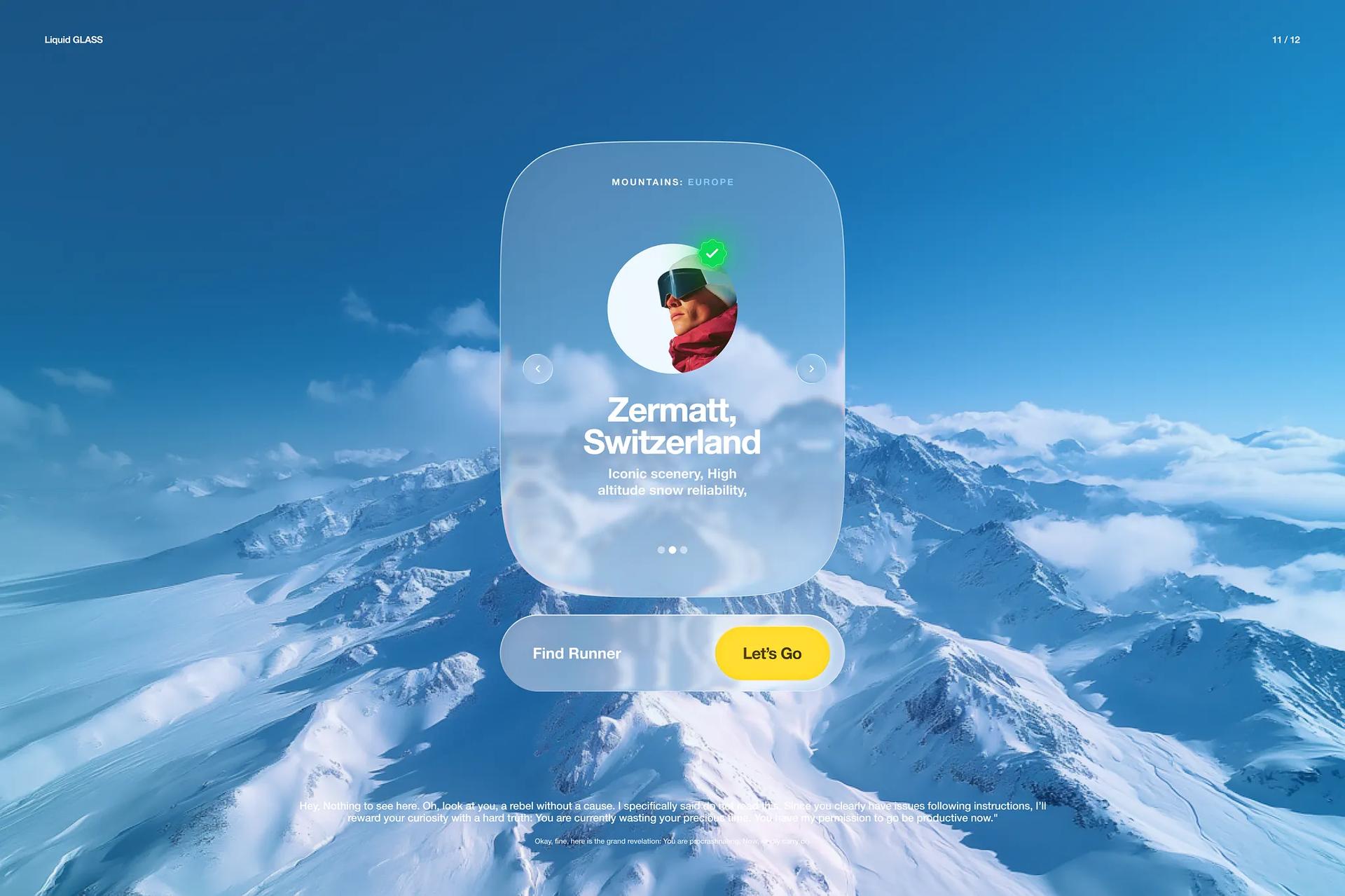
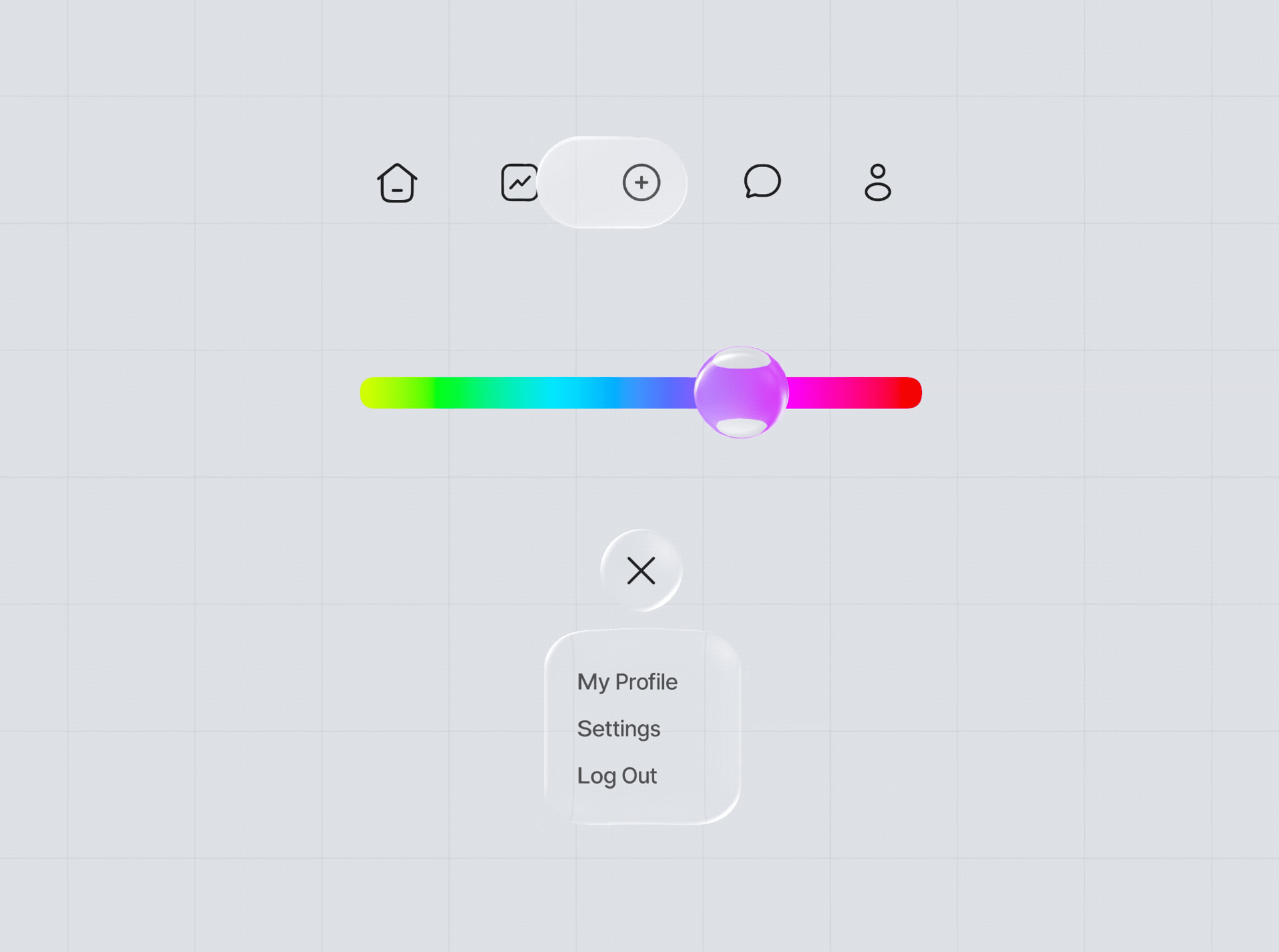
Liquid Glass - Concepts-tiles-and buttons
sanoj sunnyLiquid Glass Exploration - Sad to Happy
Liquid Glass Exploration - Sad to Happy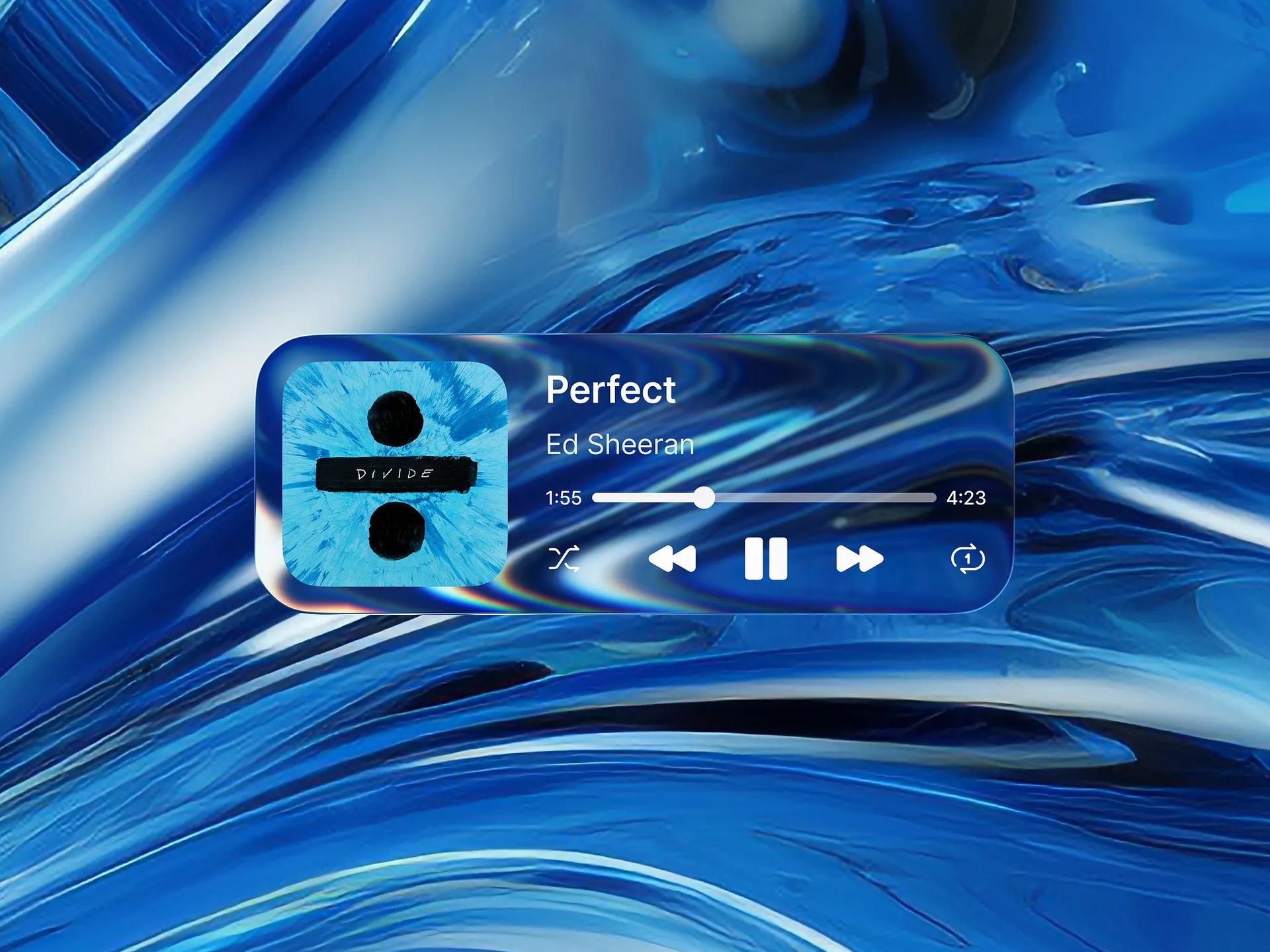
Music Player Liquid Glass
Rener AljustyoTop Illustrations for Bento Cards
Tran Mau Tri Tam ✪
Mobbin
Sponsored
Liquid Glass Interface
Dmitro M. ✦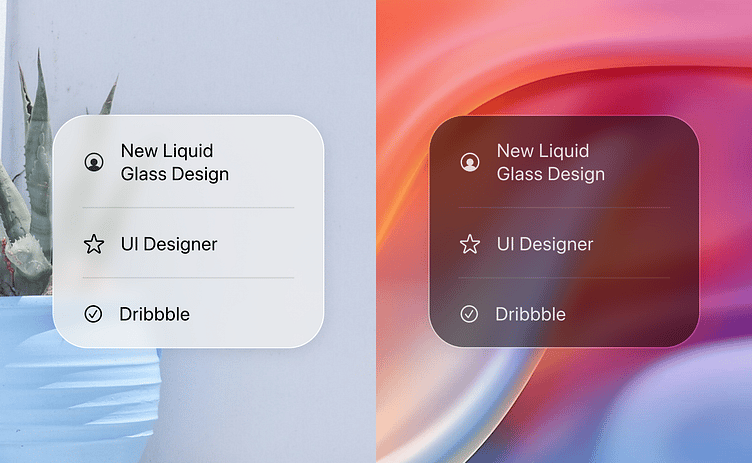
A glimpse of the new Apple Liquid Glass UI in iOS 26
Angel Zhelyazkov
Mobile App – Biological Age Result Card UI
RondesignlabArtistic fintech UI
@MoizArshi29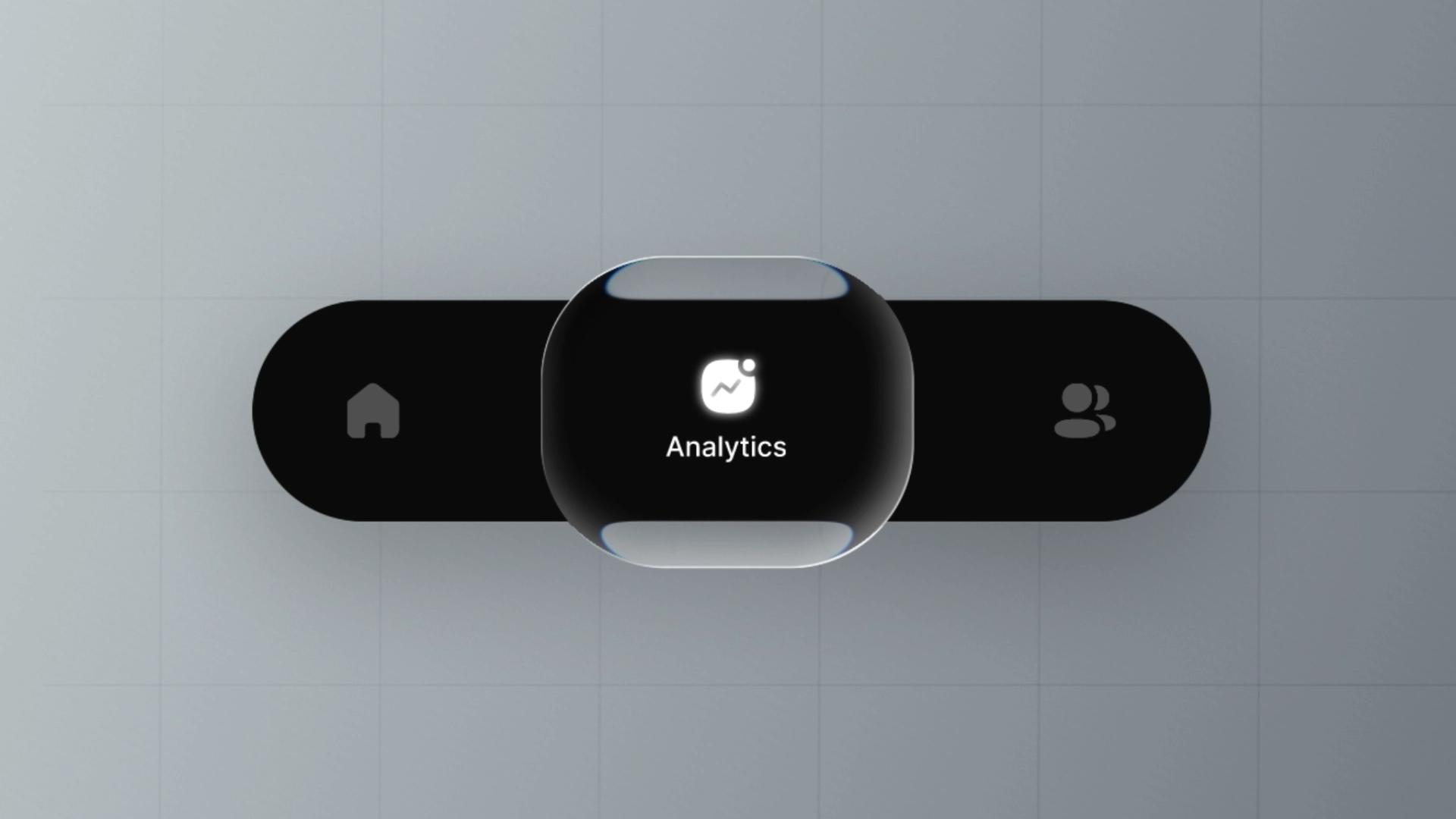
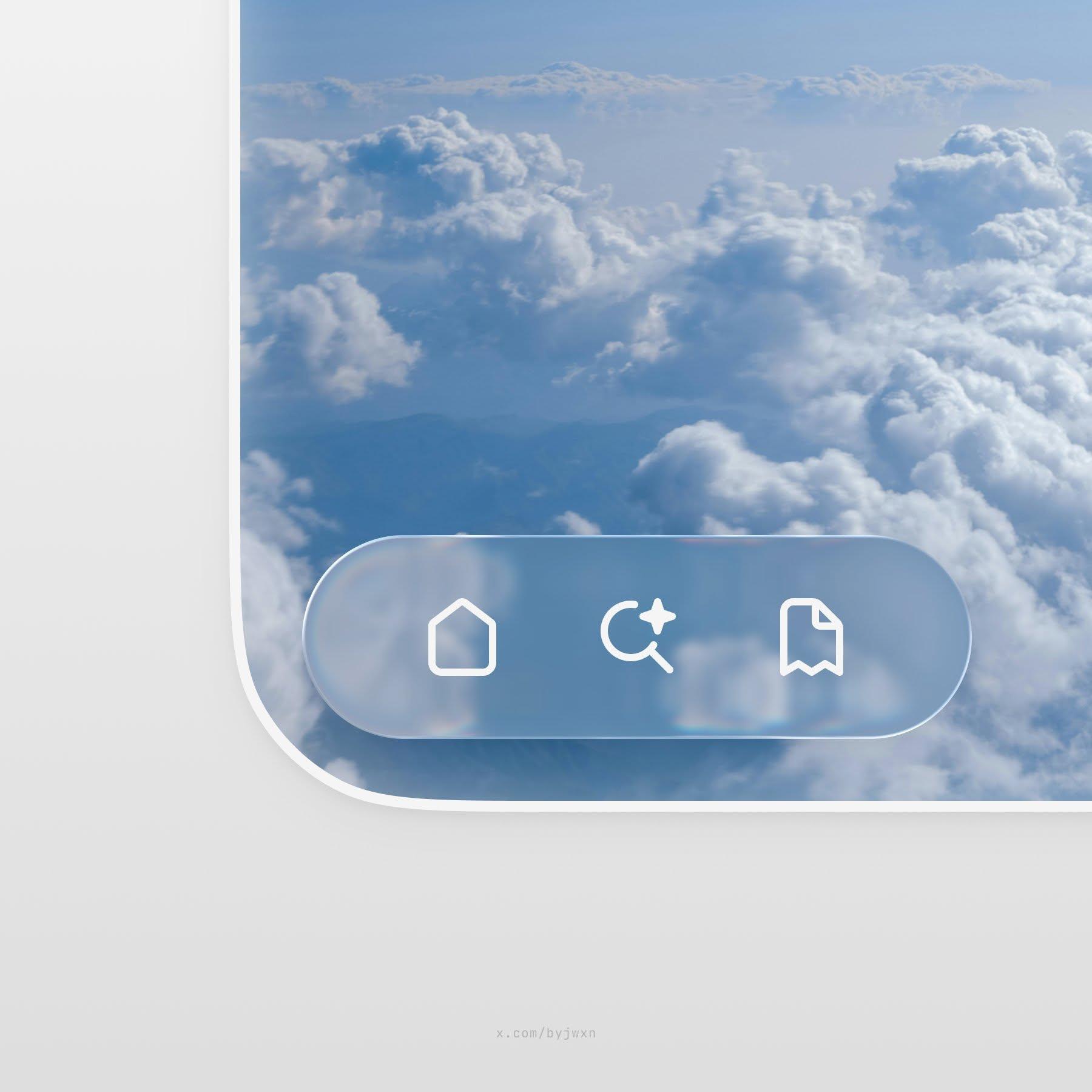
Liquid Glass UI · Tab Navigation
Rishi Raghuhtml-in-canvas
@rpavliniDay 14 — Liquid Glass Vibes
nikhil dussa
UI Components
Iconly Pro
assistant workspace
jamie 🌾
Fitting Room Icon
Slava Korziuk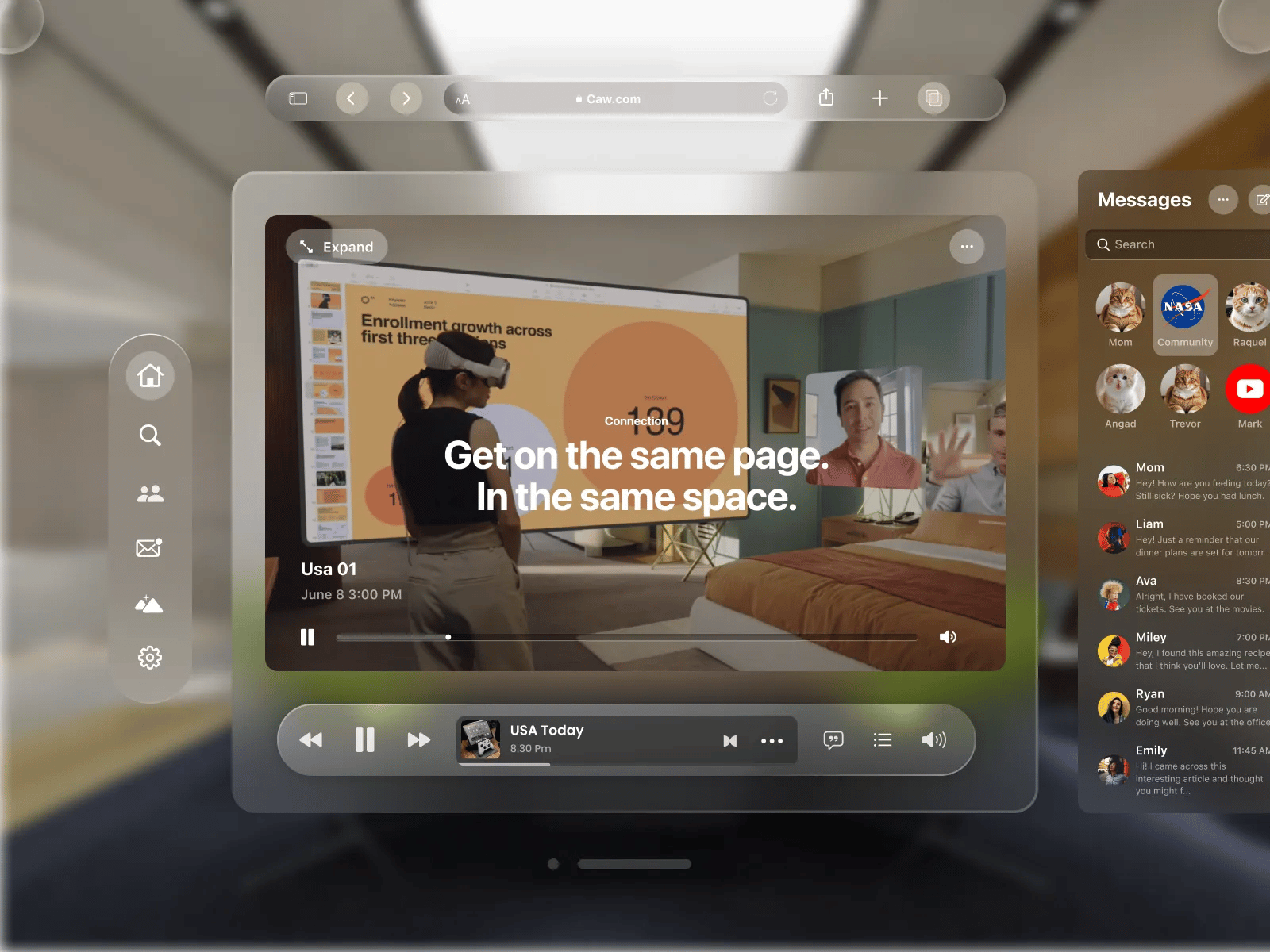
Apple Liquid Glass UI Design
Abu Bokkor Siddik
Liquid Glass Finder
Michael Flarup
App icon design | Liquid glass | Minimal
ktnr.23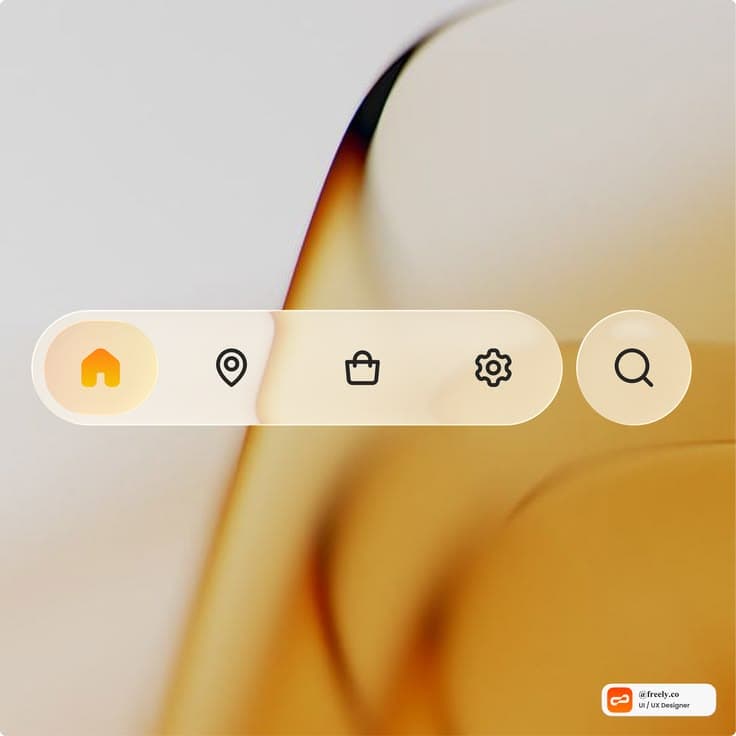
Minimal navigation, maximum clarity.
freely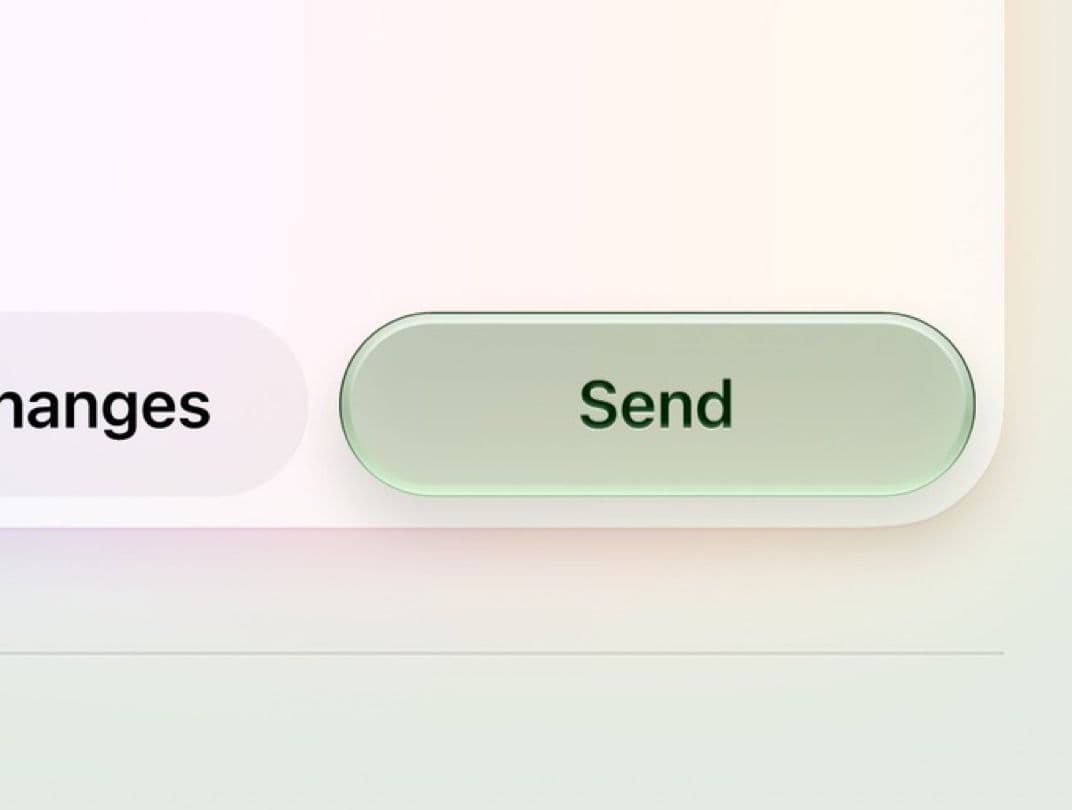
glass green button
Enrico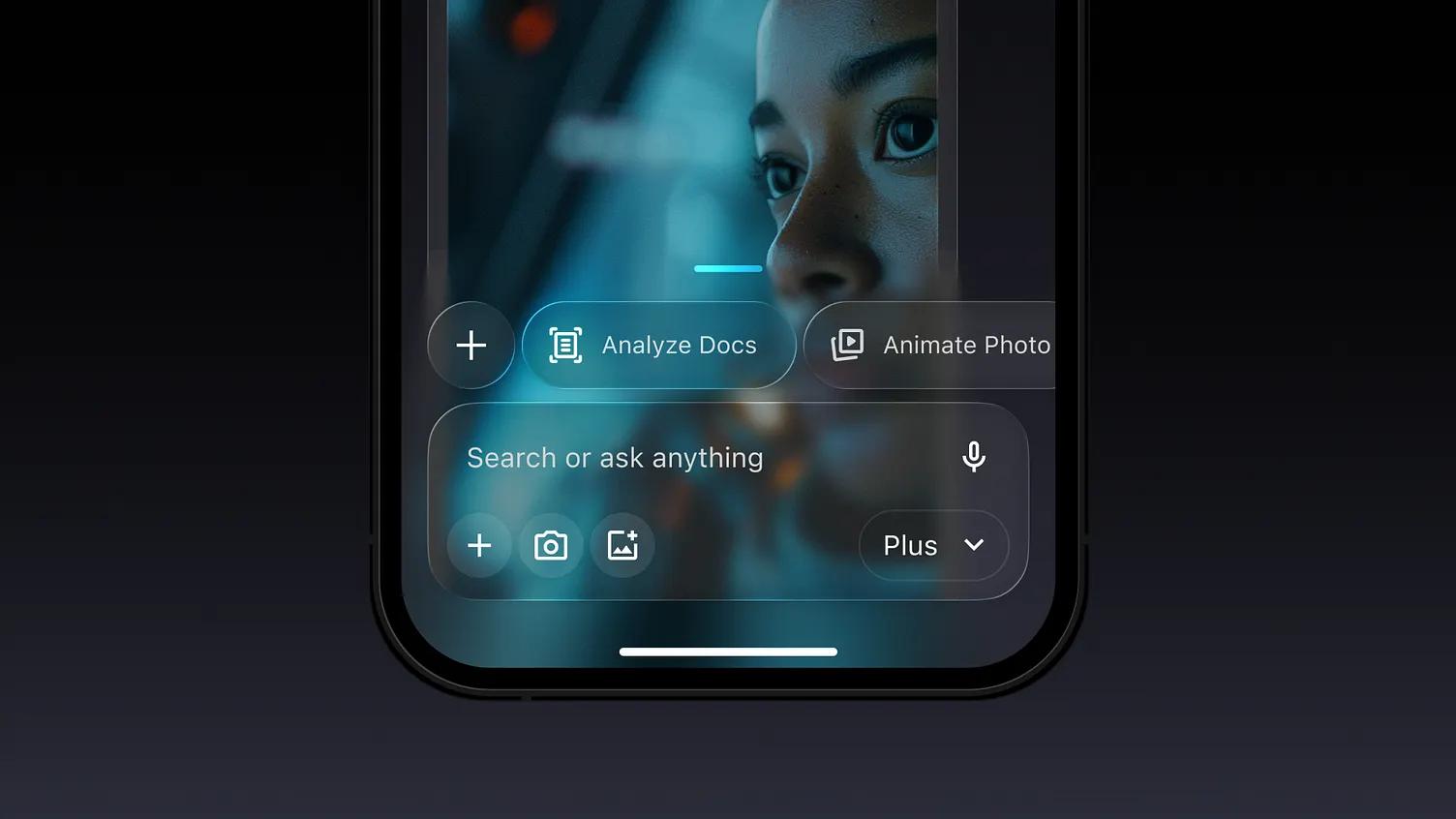
AI App in Liquid Glass
Roman Vorokhib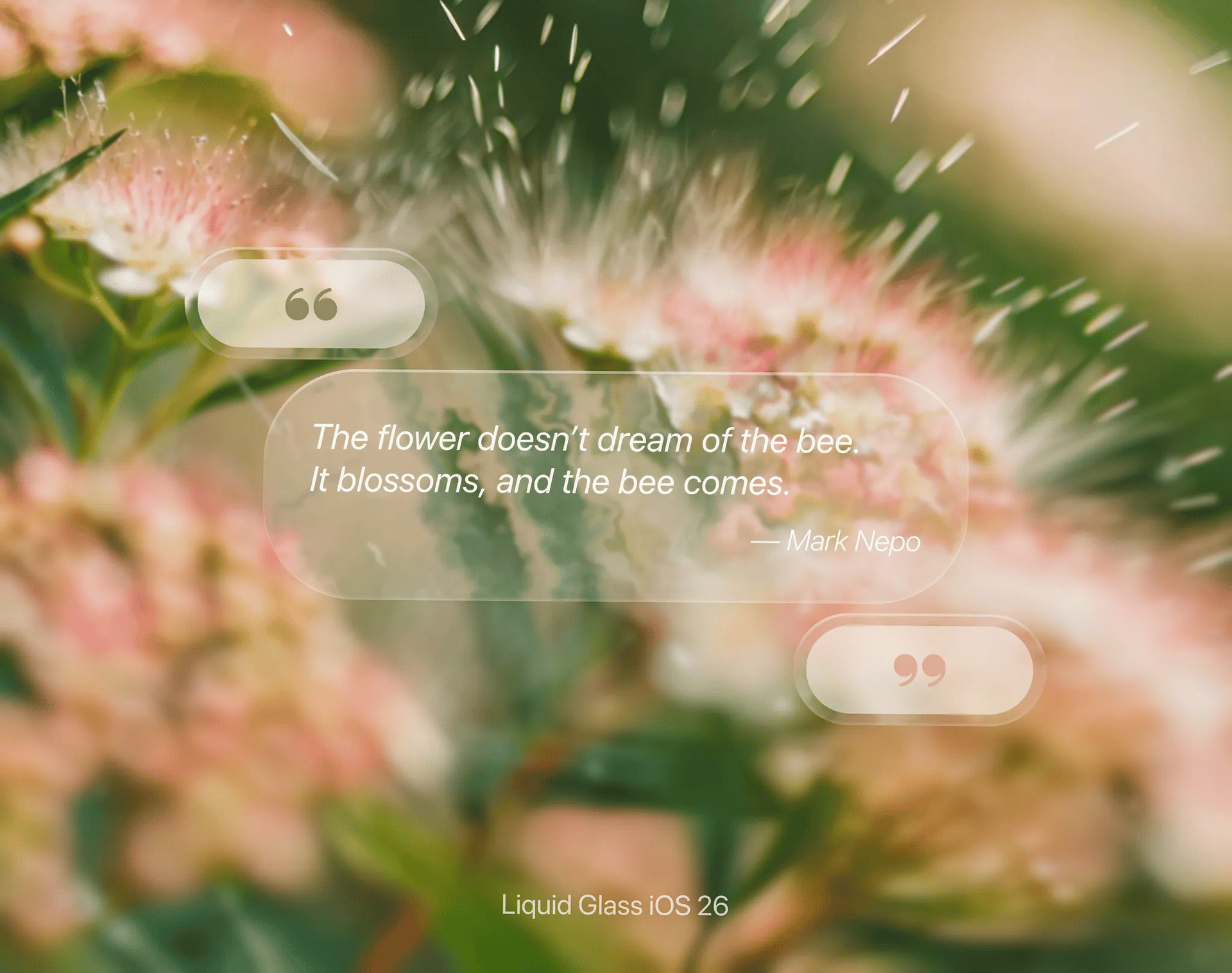
🌸 Bloom with Intention – Liquid Glass UI Concept
Yana
UrbanSense | AR Glasses
Antony ChuvirauLiquid Glass UI Modal Window
RoobiniumSettings - iOS Liquid Glass
Sithum Lahiru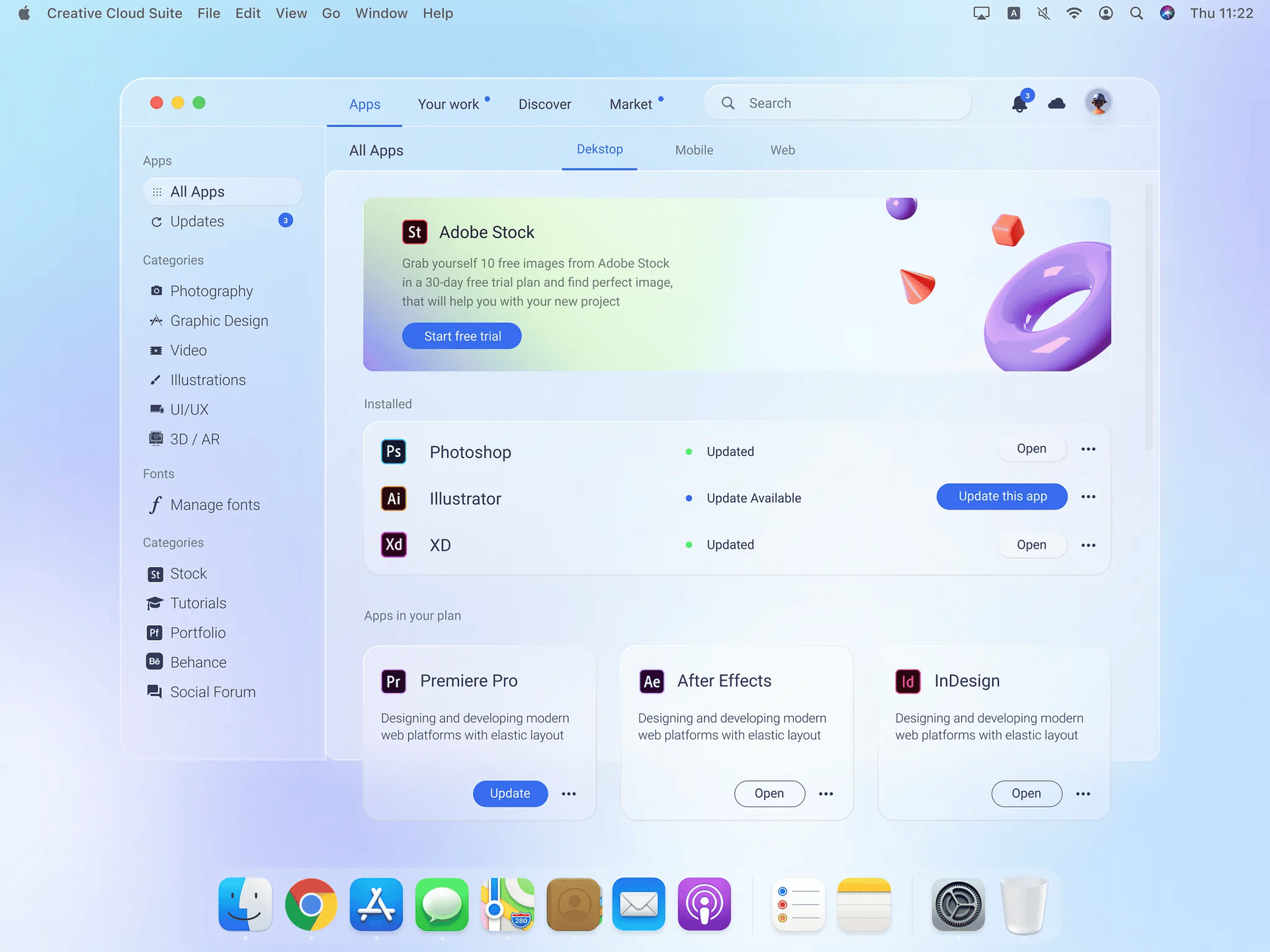
Glassmorphism Big Sur Creative Cloud App Redesign Light Mode
Mikołaj GałęziowskiMobbin
Sponsored
iOS 26 Liquid Glass Buttons new
Amirreza Taghavi
LB* Frosted Glass Card Design
Lukáš Miško
Google all in One
Roman Vorokhib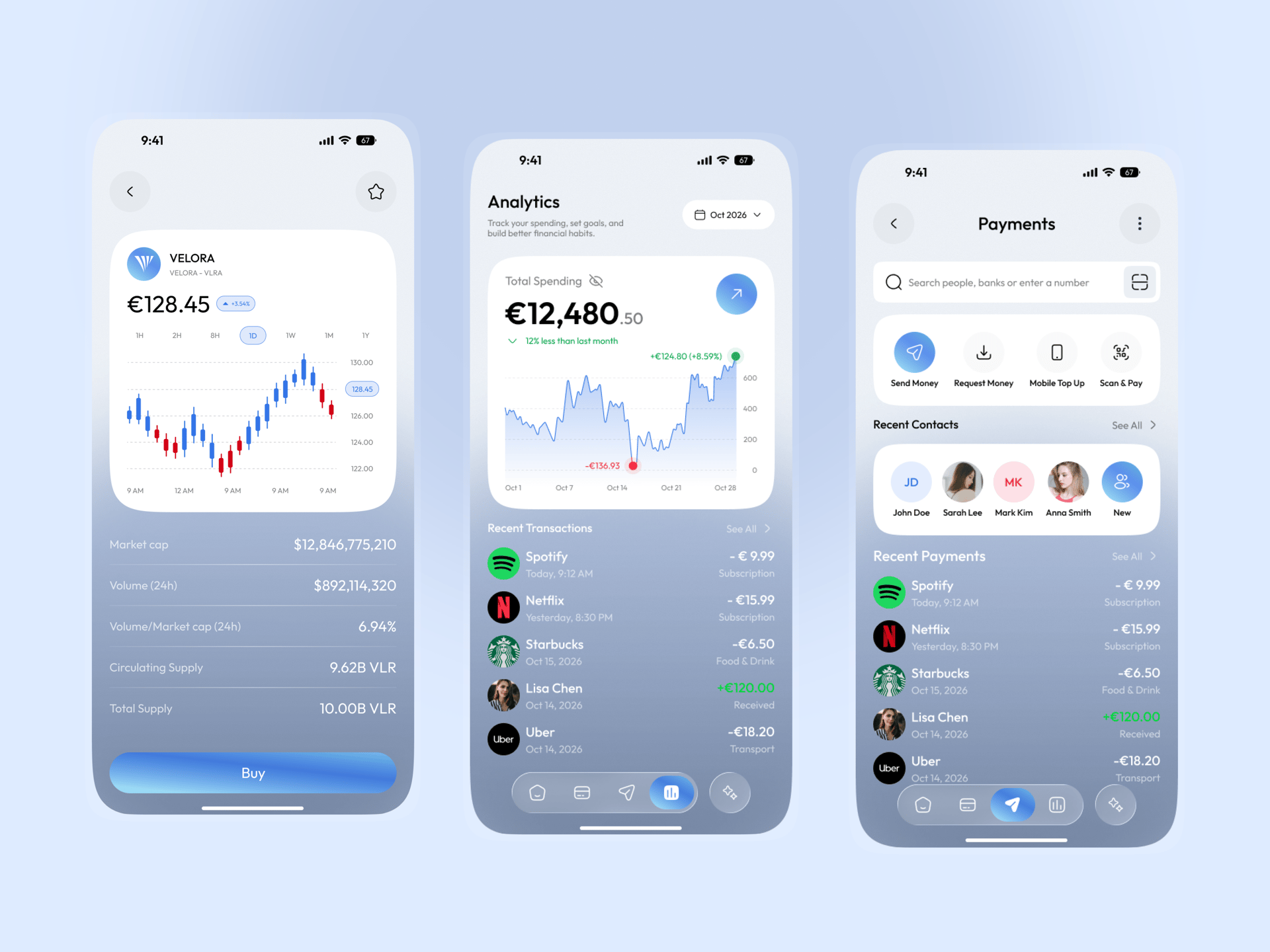
AI-Powered Finance Mobile App
Ui Sufian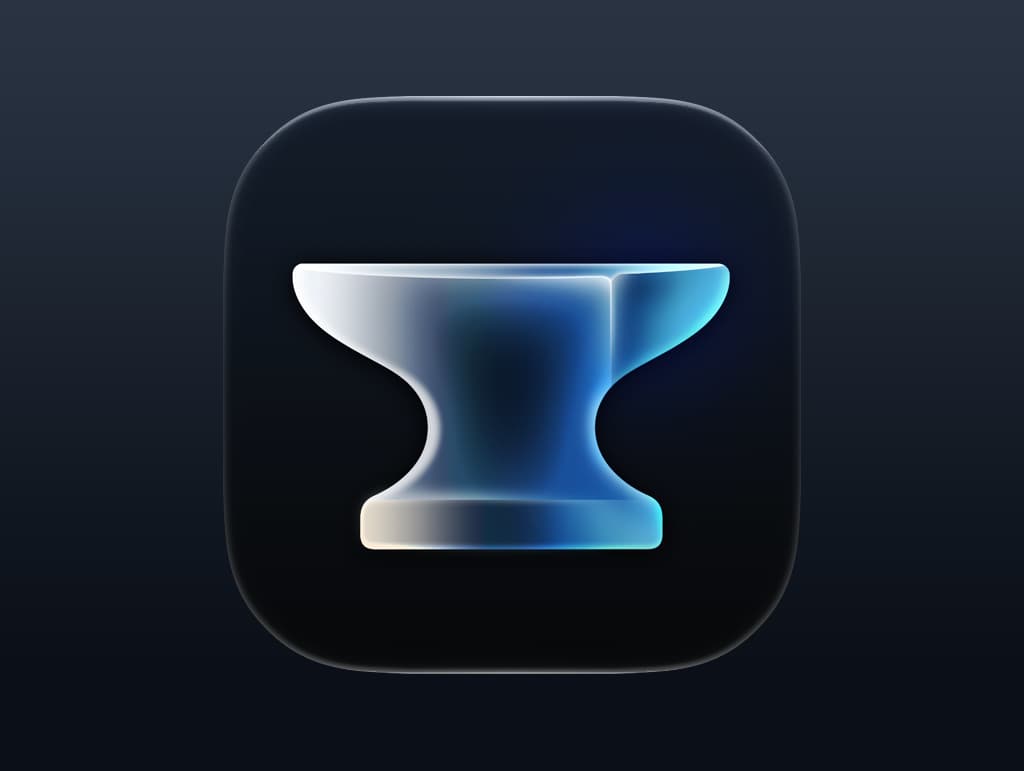
Anvil App Icon
Igor Radivojevic · UI Design
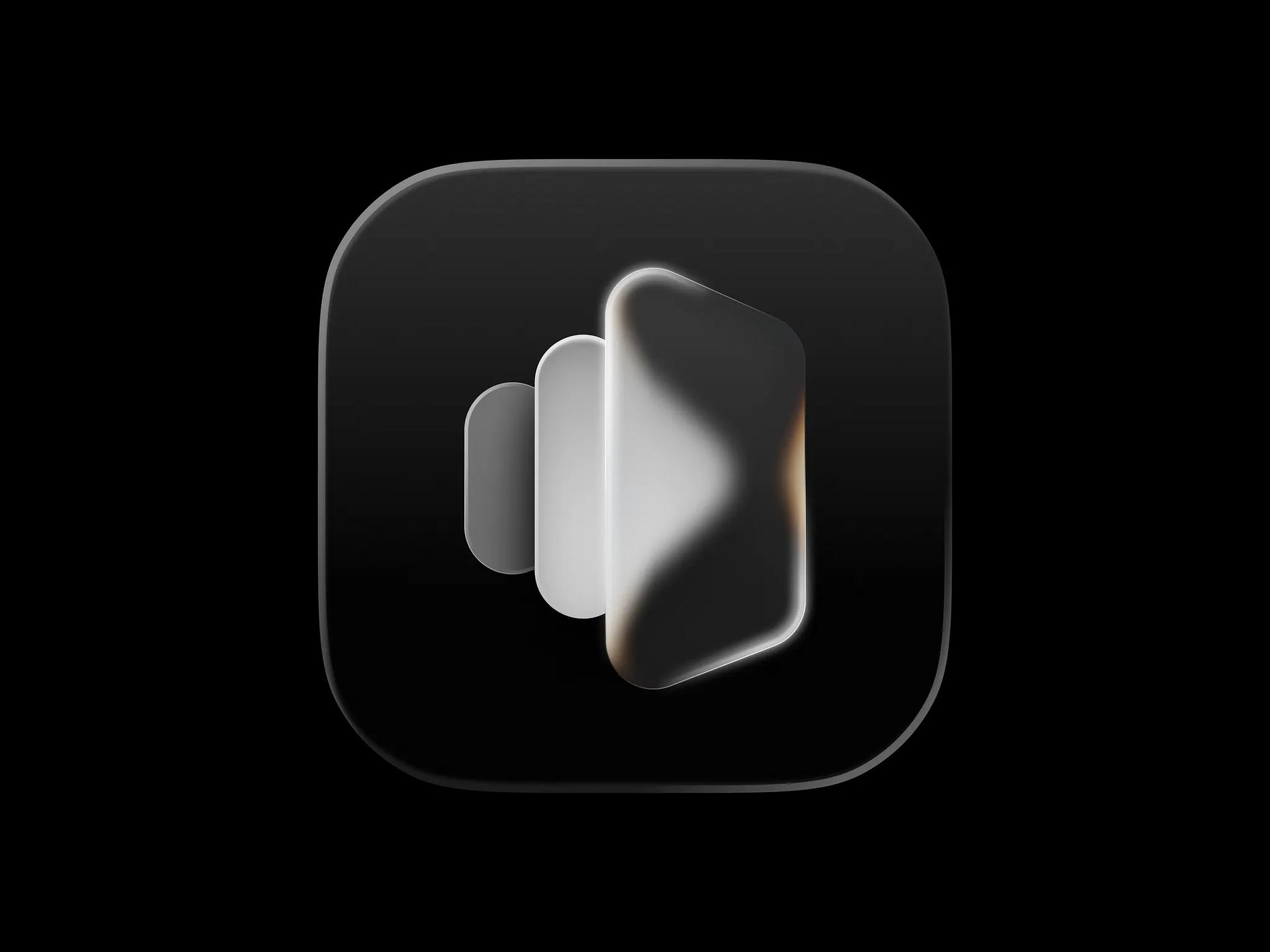
glossy app icon, liquid glass aesthetic, soft gradients, subtle highlights, dark background, cool color palette with blue and white tones, smooth contours, modern and sleek design, minimalistic composition, high contrast, futuristic mood, digital rendering technique Negative: low resolution, harsh edges, cluttered design, bright colors, excessive shadows, text elements, busy backgrounds, pixelation Parameters: --ar 1:1 --style raw --stylize 250
Works in GPT Image 2, Nano Banana and Midjourney or any other image generator. The Negative and Parameters lines are optional — use them where your tool supports them.
Real-world design inspirationSponsored